
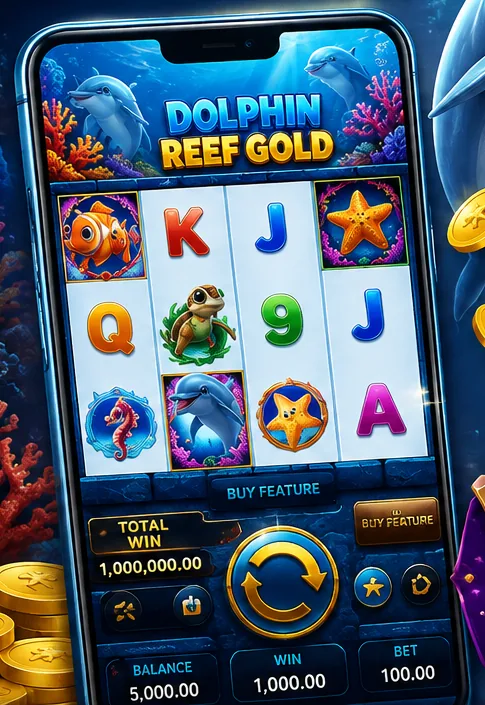
Do you need the Comel33 app?
Not necessarily. Either way you get the full Comel33 mobile casino experience in Malaysia: the Comel33 mobile site runs in Chrome, Safari and other modern browsers with the same games, cashier and promotions as the app. The Comel33 mobile app mainly adds convenience: a one-tap icon, faster loading for frequently played games, and a full-screen layout.
| Option | Best for | Install needed? |
|---|---|---|
| Mobile browser | Trying Comel33, or any phone | No |
| Comel33 APK (Android) | Regular Android players | Yes, from the official source |
| Home-screen shortcut (iOS) | iPhone and iPad users | No, just a bookmark |
How to download and install the Comel33 APK on Android
Real-money casino apps are often not listed on Google Play in Malaysia, so Comel33 Android installs usually come from an APK file. For Malaysian players this Comel33 APK is the standard way to get the Comel33 app on Android.
- Get the download link from an official source – the official Comel33 website or Comel33 live chat support. Like any casino APK in Malaysia, never install one sent to you by a stranger.
- Start the Comel33 download in Chrome. Android may warn that the file type can be harmful; this warning appears for every APK from outside Play Store.
- Allow the install. Go to Settings → Apps → Special app access → Install unknown apps, and allow it for your browser only.
- Open the APK and tap Install.
- Turn the permission back off after installing, then open the app and log in.
Red flags for fake Comel33 APK files: a file much larger or smaller than expected, an app that asks for SMS, contacts or accessibility permissions, a download hosted on a file-sharing site, or an app that asks for your bank PIN. If in doubt, delete it and use the mobile site.
Comel33 on iPhone and iPad (iOS)
- Open the official Comel33 site in Safari.
- Tap the Share icon, then Add to Home Screen.
- Name it “Comel33” and tap Add. The icon opens Comel33 full-screen, just like an app.
Be careful with any iOS “app” that asks you to install a configuration profile or trust an unknown enterprise developer. That gives the installer wide access to your device.
Updating the app
If games stop loading or you keep getting logged out, you may be on an old version. Remove it, download the newest APK from the official source, and log in again. Your balance and history are stored in your account, not on the phone, so reinstalling doesn't lose anything.
Mobile tips for a better experience
- Use a stable connection for live casino games, because a dropped stream mid-round is frustrating.
- Turn on your phone's screen lock so nobody else can open the app.
- Use your phone's screen-time tools to cap daily play. See responsible gaming.
In-depth guides on this topic
- Comel33 APK Not Installing – Fix Android install errors safely.